
Test QR codes & barcodes
Show these codes on another screen or print them, then scan to test your scanner.
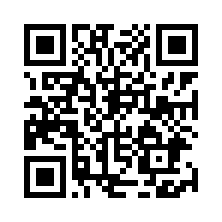
Content: https://scanbarcode.co.id/test-barcode/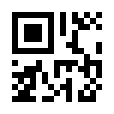
Content: SCAN123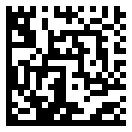
Content: ScanBarcode Data Matrix test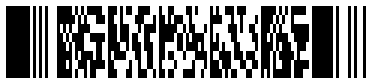
Content: ScanBarcode PDF417 test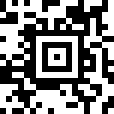
Content: ScanBarcode Aztec test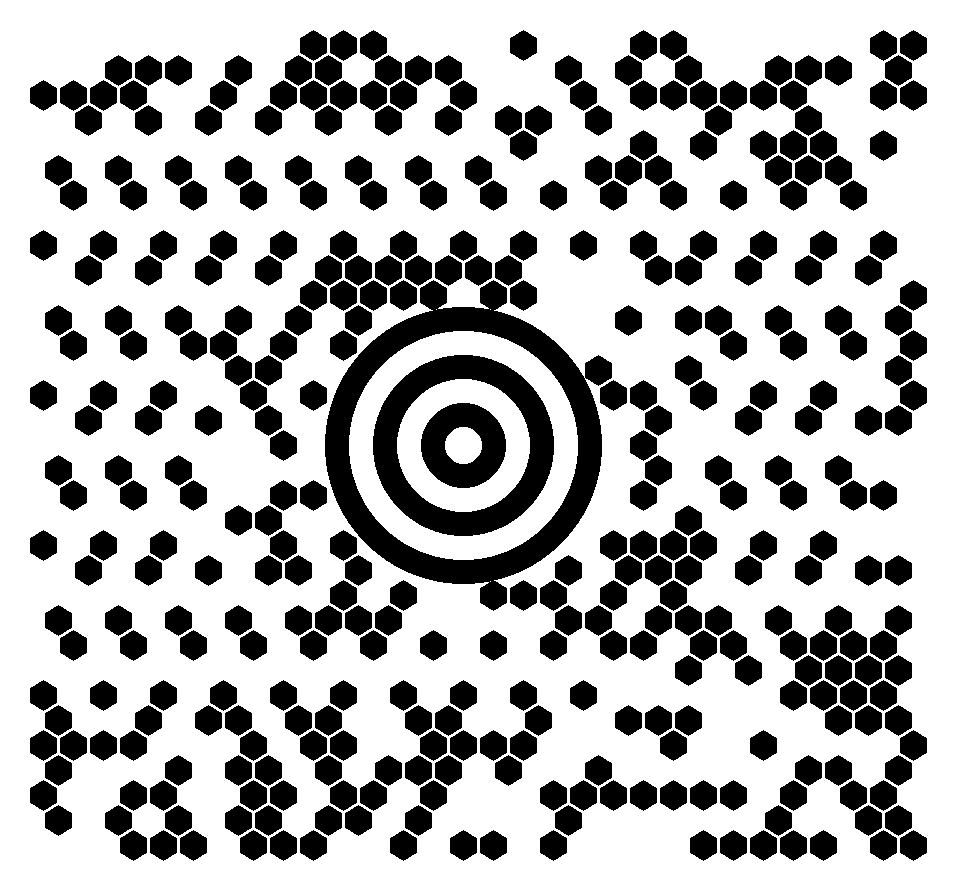
Content: ScanBarcode MaxiCode test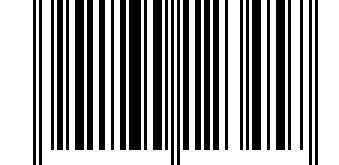
Content: 5901234123457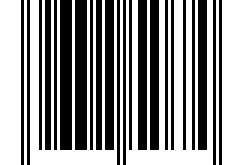
Content: 96385074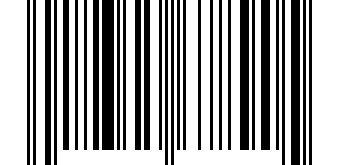
Content: 012345678905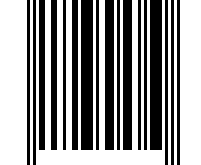
Content: 01234565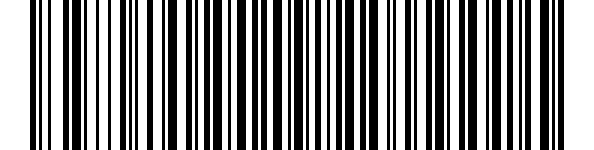
Content: SCAN-128-TEST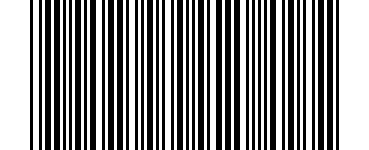
Content: SCAN39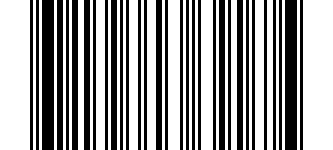
Content: SCAN93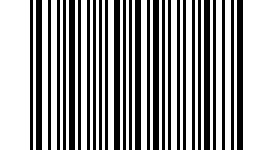
Content: A40156B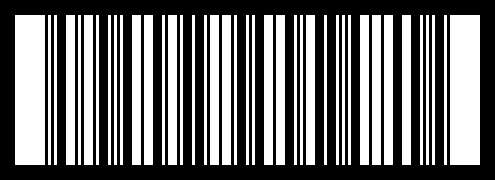
Content: 15400141288763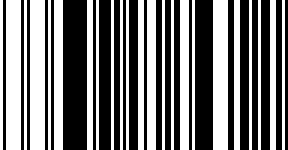
Content: 09501101530003How to use
Open on a second screen
Or print this page.
Scan with the device you are testing
Compare the result with the content under each code.
Note what fails
A format that does not read is not supported by that device.
Questions
What are these sample codes for?
To make sure a scanner, POS app, or warehouse device reads the formats you need before real use.
Is the content real?
No. All content is sample data and does not point to any product or account.
Why do some codes not scan on my device?
Many scanners support only some formats, such as QR and EAN. That does not mean the code is broken.